
Solutions

One platform. Different businesses. Different ways to use it.

ORILEAD adapts to the way your organization works — whether you’re managing leads for your own business, handling acquisition for multiple clients, or offering ORILEAD as part of your own services.

From lead capture to the right person — automatically. Capture, organize, route and track leads across your business, your clients or your sales network.

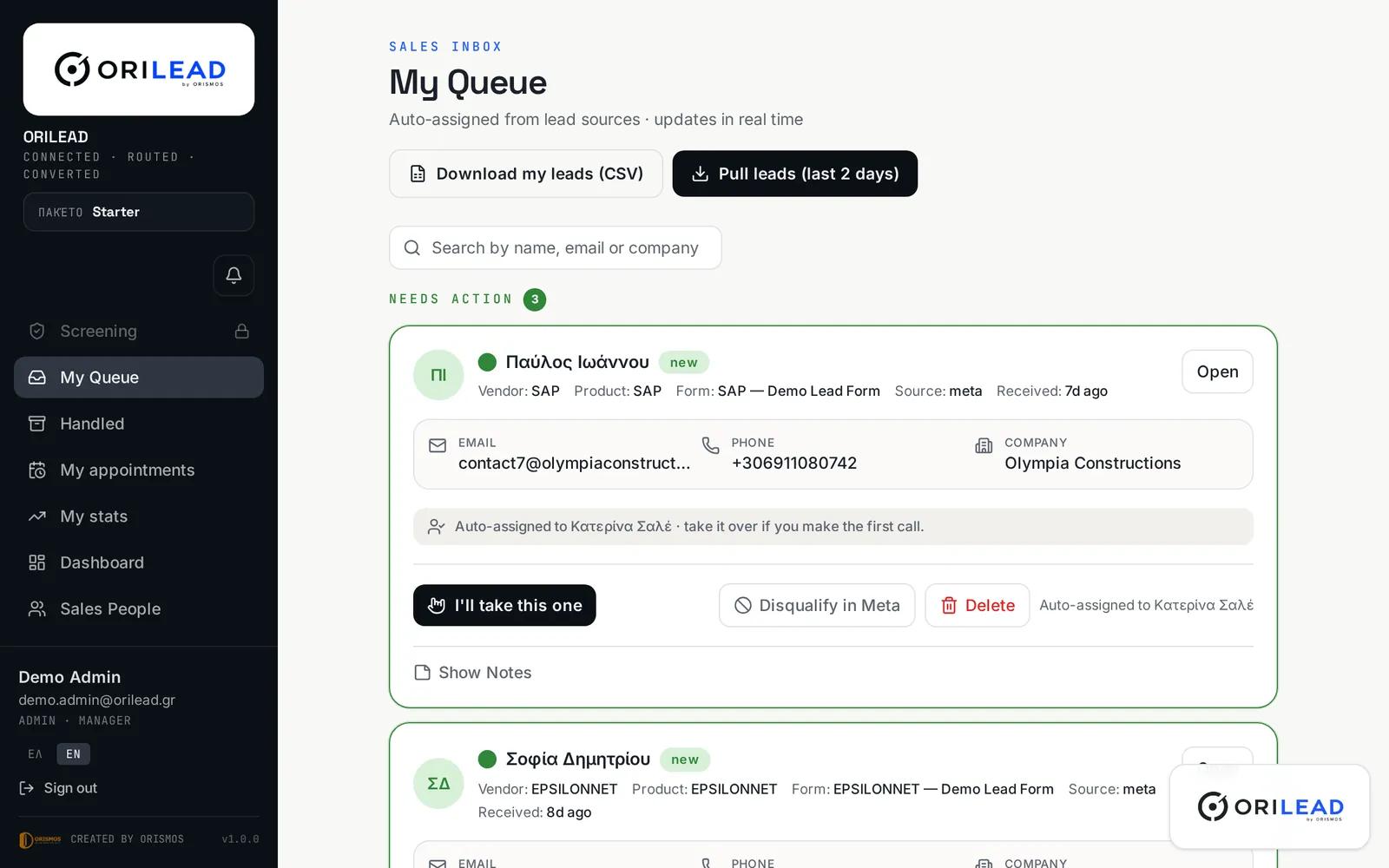
ORILEAD — My Queue
ORILEAD sales queue showing new leads with owner, source and status

What happens to a lead inside ORILEAD.

ORILEAD is the operational lead-management and routing layer between lead acquisition and the people responsible for acting on those leads. It is not a replacement for every CRM function.

Leads come in

  • Meta Lead Ads
  • Website
  • Forms
  • Campaigns
  • Supported sources

ORILEAD

  • Capture
  • Organize
  • Qualify
  • Route
  • Assign

Leads go to

  • The right salesperson
  • The right team
  • The right business line
  • The right location
  • The right client workspace

Follow-up

  • Track
  • Respond
  • Qualify
  • Convert

How do you want to use ORILEAD?

I manage leads for my own company

ORILEAD Business

Capture, organize, qualify and route incoming leads across your sales team, products, locations or business units.

Explore ORILEAD Business

I manage leads for multiple clients

ORILEAD Agency Partner

Manage multiple client workspaces from one environment while keeping every client's leads, users, integrations and data separate.

Explore Agency Partner

I want my customers to use ORILEAD

ORILEAD Reseller Partner

Sell complete ORILEAD subscriptions to your customers and build recurring revenue as an ORILEAD partner.

Explore Reseller Partner

ORILEAD Agency Partner

The agency manages the client’s leads and client workspaces.

ORILEAD Reseller Partner

The customer receives and uses their own complete ORILEAD subscription.

Not sure where you fit? Talk to us

Built around the way your industry handles leads.

Different industries generate different types of enquiries — but the operational challenge is often the same:

Two marketing specialists reviewing campaign dashboards
ORILEAD — Agency Hub
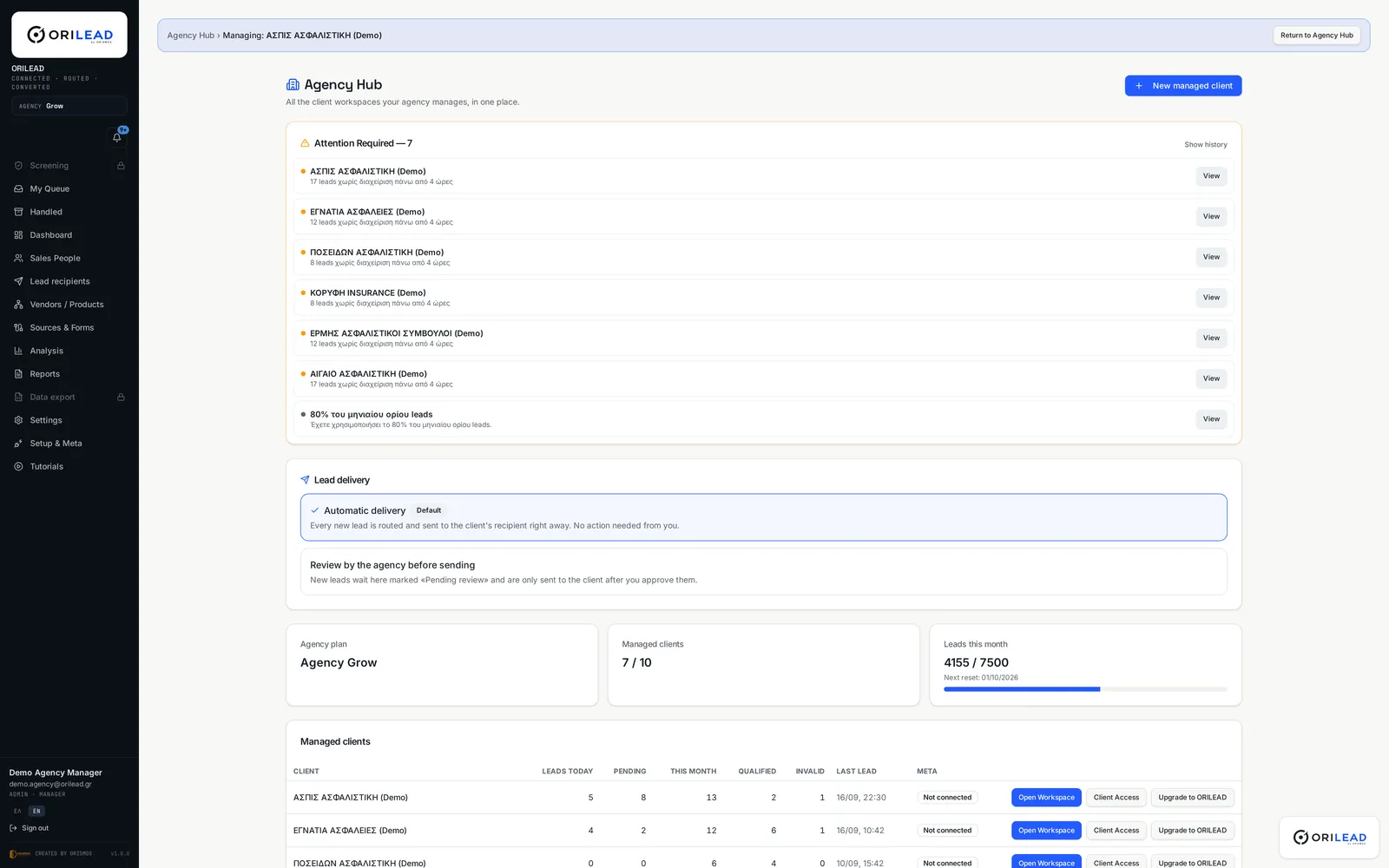
ORILEAD Agency Hub with managed client workspaces and lead delivery settings

Marketing & Performance Agencies

One place to manage leads across multiple clients.

Agencies generating leads through Meta Ads, landing pages and other acquisition channels can manage separate client workspaces from one environment.

Leads, Meta connections, forms, products and services, users, routing and client data stay separated per client.

The same model fits companies whose main service is generating qualified leads for other businesses: generate the lead, capture it in ORILEAD, organize and qualify it, route it to the correct client workspace and keep follow-up visible.

Who works this way

Marketing agenciesPerformance and media agenciesLead-generation companiesAcquisition specialists

Possible ORILEAD models

If the agency wants each customer to purchase and use a complete ORILEAD subscription themselves, the appropriate model is ORILEAD Reseller Partner.


Compare Agency & Reseller
Property advisor showing a modern apartment to a couple

Real Estate

Turn property enquiries into assigned opportunities.

Property enquiries can arrive from campaigns, forms, websites and other lead sources.

ORILEAD helps organize those enquiries and route them to the appropriate agent or sales team while keeping their progress visible.

  1. Property enquiry
  2. ORILEAD
  3. Routed by configured rules
  4. Agent or sales team
  5. Follow-up & status

Typical users

Real estate agenciesProperty developersProperty consultantsReal-estate marketing agencies

Possible ORILEAD models

A real-estate company managing its own enquiries would typically use ORILEAD Business. An agency managing leads for multiple real-estate clients could use ORILEAD Agency Partner.

Salesperson walking through a modern car dealership showroom

Automotive

Every vehicle enquiry. The right salesperson.

Vehicle enquiries can be distributed to the appropriate salesperson, dealership, location or sales team.

Teams can see which leads are new, assigned, contacted, qualified or still waiting for action.

  1. Vehicle enquiry
  2. ORILEAD
  3. Routed by configured rules
  4. Salesperson or dealership
  5. Follow-up & status

Common setups

Car dealershipsDealer groupsAutomotive sales teamsAutomotive marketing agencies
Doctor discussing treatment with a patient in a modern clinic consulting room

Healthcare & Clinics

Turn enquiries into organized follow-up.

Organize advertising and website enquiries so the appropriate team can follow up quickly and consistently.

ORILEAD manages enquiries and follow-up — it is not a medical or clinical system.

  1. Appointment enquiry
  2. ORILEAD
  3. Routed by configured rules
  4. Reception or follow-up team
  5. Follow-up & status

Who uses it

ClinicsDental clinicsAesthetic clinicsHealthcare groupsHealthcare marketing agencies
Insurance advisor discussing documents with a client

Insurance & Financial Services

Route every prospect to the right advisor.

Different enquiries may relate to different insurance products, financial services or advisors.

ORILEAD can organize and route those leads according to product, team or other configured rules.

Typical users

Insurance brokersInsurance agenciesFinancial intermediariesAdvisor networksLead-generation agencies
Technicians installing solar panels on a family house roof

Solar & Home Services

From quote request to the right sales team.

Quote requests and campaign leads often require fast follow-up.

ORILEAD helps organize opportunities, assign them to the appropriate salesperson, location or team, and keep unanswered leads visible.

  1. Quote request
  2. ORILEAD
  3. Routed by configured rules
  4. Salesperson or location
  5. Follow-up & status

Common setups

Solar installersEnergy companiesRenovation companiesHome improvement companiesService networks
Adult learners in a professional training centre classroom

Education

Organize every new student enquiry.

Organize enquiries for courses, programs, locations or enrollment campaigns and assign them to the appropriate admissions or sales team.

Who uses it

Training organizationsPrivate education providersCollegesProfessional training companies

Primary ORILEAD model

Sales teams working at separate desk clusters in a B2B office
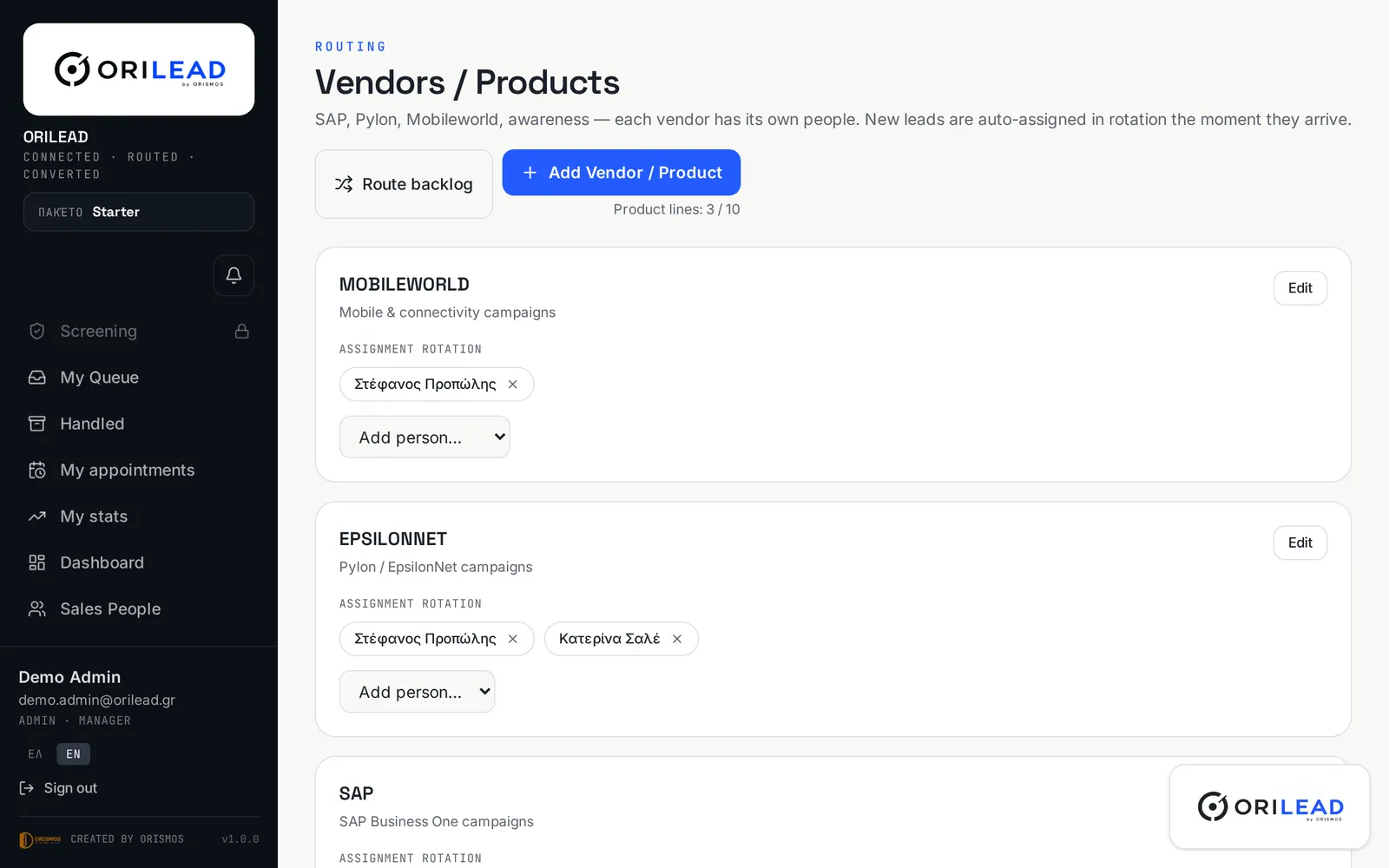
ORILEAD — Vendors / Products
ORILEAD routing screen with product lines and their assignment rotation

B2B & Multi-Line Businesses

Multiple products. Multiple teams. One lead flow.

When your company operates across different products, services or business units, ORILEAD can organize and route incoming leads to the appropriate team or salesperson while giving management visibility over lead activity and progress.

Website
Campaign
Lead source
New lead

ORILEAD

Identify product / service / business line

Business line A

Salesperson / Team A

Business line B

Salesperson / Team B

Business line C

Salesperson / Team C

TrackQualifyFollow upConvert

A company with many products, services, territories or departments can use ORILEAD as the centralized lead layer that receives, organizes and distributes those opportunities.

Typical users

IT companiesSoftware companiesTechnology providersTelecommunications companiesProfessional servicesDistributorsMulti-product B2B companiesMulti-location businesses

Primary ORILEAD model

Not sure which model fits the way you work?

Tell us how your leads arrive today and who needs to act on them. We will show you how ORILEAD would organize them.